
How to Change Payroll Companies Mid-Year Without Disrupting Payroll
The overall mean accuracy of global payroll processes is just 78%, according to a 2026 benchmarking report from SelectSoftwareReviews, and nearly a third of organizations need two or more pay cycles to correct a single underpayment.
For a Head of People or founder running a lean, distributed team, that kind of error rate isn't a rounding issue. It's a retention risk.
Rise sees this exact pressure drive companies to switch payroll providers well before their fiscal year closes.
Waiting for January 1 to fix a broken payroll system means absorbing months of preventable errors, manual reconciliation, and employee frustration. A mid-year switch is more data-intensive than a clean calendar-year cutover, but it is a completely standard operation when the migration is sequenced correctly.
This guide walks through exactly how to change payroll companies mid-year without a single missed or incorrect paycheck.
Key Takeaways
Rise supports mid-year payroll migrations with clean year-to-date data imports.
A parallel payroll run is the single most important step before go-live.
Rise Direct Payroll bills the greater of $49/mo or $19 per employee.
Most mid-year payroll switches take four to eight weeks to complete.
Rise unifies US payroll, global EOR, and stablecoin payouts on one platform.
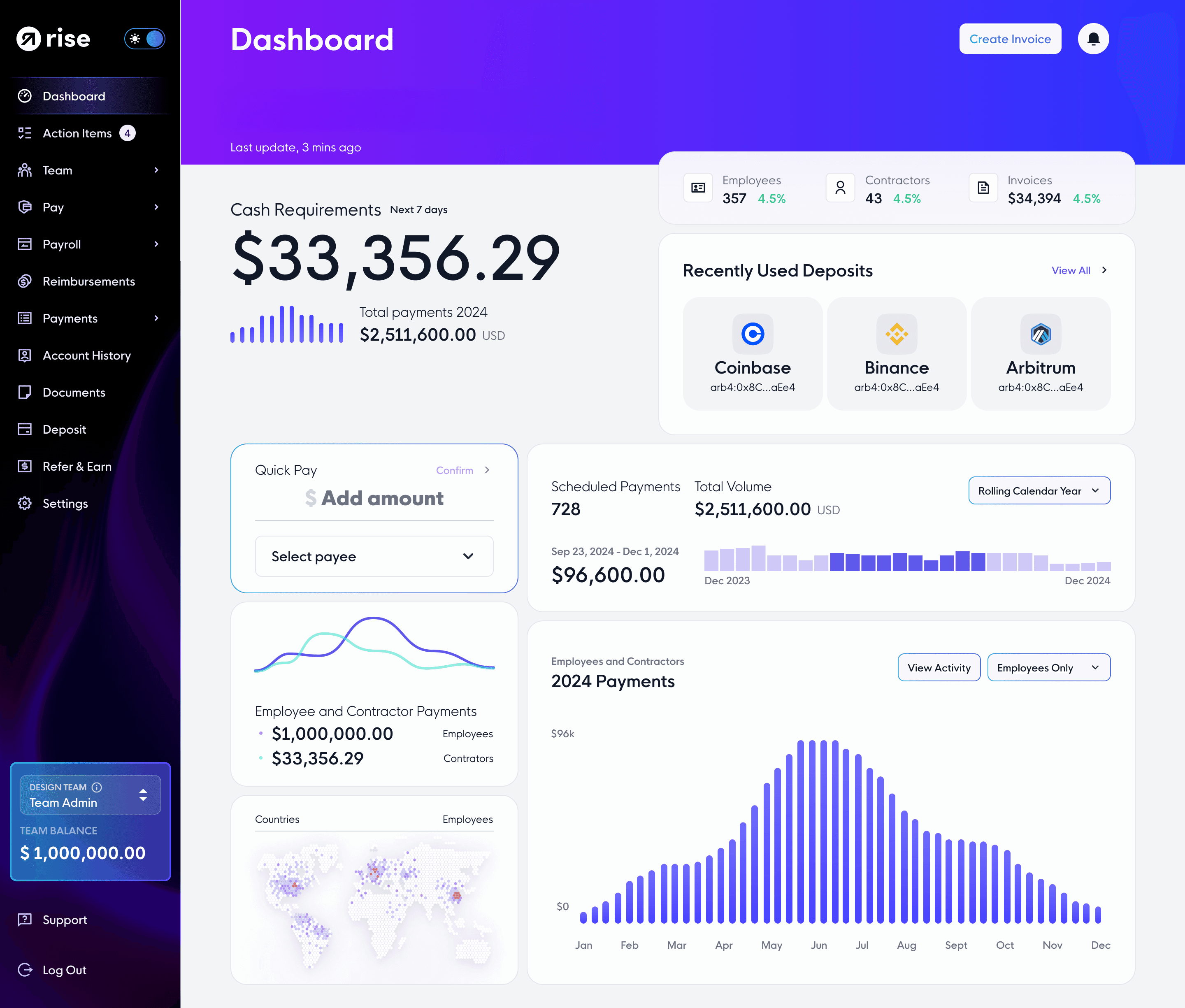
Why Mid-Year Payroll Switches Are Becoming Routine
Roughly one in four businesses replaces its payroll provider every year, and service quality, integration gaps, and cost are the leading drivers, not calendar timing. Teams that wait for a "clean" January start often end up running an entire additional year on a system that is already failing them. That delay compounds the same errors the switch was meant to fix.
The pressure to move faster is especially visible in growing, remote-first teams. A company that hires its first international contractor or opens a new US entity mid-year discovers immediately whether its payroll infrastructure can flex, or whether it was only ever built for a single domestic headcount.
Rise sees this pattern constantly among founders and Heads of People scaling headcount across borders faster than their existing provider can support.
The Real Risk Isn't Timing, It's Data Continuity
A mid-year switch is more complex than a January 1 changeover for one reason: your new provider inherits partial-year data instead of a clean slate. Every dollar already paid, every tax dollar already withheld, and every deduction already processed has to reconcile precisely with what the new system picks up going forward.
Get this wrong and the damage doesn't show up until year-end, when W-2s or 1099s don't match what employees actually earned.
Get it right, and a mid-year move is functionally invisible to the people getting paid.
That distinction is what separates a smooth transition from a compliance headache, and it's exactly what the step-by-step process below is built to protect.
Rise handles this by importing gross wages, tax withholdings, deductions, and benefit accruals as a single verified data set before the first live pay run, not as an afterthought during onboarding.
See how Direct Payroll from Rise structures US payroll migrations alongside global and stablecoin payouts on one platform.
Step-by-Step Guide to Changing Payroll Companies Mid-Year
Most mid-year payroll migrations take four to eight weeks depending on headcount, jurisdictions, and contract notice periods. Follow these steps in order.
Step 1: Audit Your Current Payroll Data (6 to 8 Weeks Before Go-Live)
Pull complete records from your existing provider before you sign anything with a new one. That means the full employee roster, pay rates, W-4 or equivalent tax elections, direct deposit details, year-to-date gross wages, year-to-date tax withholdings, deduction history, and any active garnishments.
Export historical filings (941s, prior W-2s or 1099s) for reference during reconciliation
Confirm which entity currently holds tax registrations in each state or country
Flag any employees with non-standard pay structures, bonuses, or milestone payments
Step 2: Define Requirements and Select a New Provider (4 to 6 Weeks Before Go-Live)
List every function your payroll actually needs to support, not just what your current provider offers today. This includes multi-state or multi-country tax handling, benefits administration, contractor and employee coexistence, and any funding flexibility your treasury requires, including stablecoin or crypto rails if your company holds digital assets.
This is also where pricing structure matters more than headline cost. Rise Direct Payroll bills whichever is greater between a $49 monthly account minimum or $19 per employee per month, fully isolated from EOR or contractor fees, which keeps costs predictable as headcount grows instead of penalizing early scale.
Step 3: Configure the New System Before Importing Data
Once you've selected a provider, set up company details, tax registrations, pay schedules, and deduction codes before any employee data moves. Getting this structure right first prevents the import errors that cause the most year-end headaches.
Step 4: Import Year-to-Date Data (3 to 4 Weeks Before Go-Live)
Transfer every employee record, including all year-to-date figures accumulated under the outgoing provider. Run a line-by-line comparison against your audit from Step 1 and flag every discrepancy for manual correction before any live payroll processes through the new system.
Step 5: Run a Parallel Payroll (1 to 2 Pay Periods Before Go-Live)
Process one full payroll cycle in both the old and new systems simultaneously. Compare gross pay, tax withholdings, and net pay line by line. This is the single highest-leverage step in the entire migration, and skipping it is the most common cause of mid-year payroll disasters.
Step 6: Communicate the Transition to Your Team
Tell employees what's changing, when, and what stays the same, ideally two to three weeks before the first live pay run under the new system. Cover any new self-service portal, updated pay stub format, or withdrawal options, especially if the new provider supports local currencies and stablecoin payouts side by side.
Step 7: Go Live and Close Out the Old Provider
Confirm who files any remaining quarterly or year-end returns before formally closing your account with the outgoing provider. Request final year-to-date registers, tax payment confirmations, and benefit deduction records for your files, then process your first official payroll through the new system.
Common Mistakes That Turn a Clean Switch Into a Payroll Disaster
Most mid-year payroll failures trace back to a small number of avoidable errors. Double-running tax filings tops the list: if both the old and new provider believe they're responsible for a given quarter's filings, employees can end up with duplicate or missing tax documentation at year-end.
Skipping the parallel run is the second most common failure. It feels like an extra step under deadline pressure, but it's the only point in the process where discrepancies surface before they hit a live paycheck. Underestimating multi-country complexity is the third.
A team paying full-time employees across several countries needs a provider that owns compliance in each jurisdiction rather than routing through third-party partners.
Confirm in writing who files final returns with the outgoing provider before cutover
Never skip a parallel pay period, regardless of timeline pressure
Verify your new provider owns compliance infrastructure in every country you employ people, rather than relying on subcontracted partners
What to Look for in a Provider Built for a Mid-Year Move
The right provider treats a mid-year migration as a standard operating procedure, not an exception that requires special handling. That means a dedicated implementation specialist, a documented sign-off process before go-live, and a clear answer for how year-to-date figures get verified rather than just imported.
For teams with any international footprint, this is also the moment to evaluate whether your payroll and your Employer of Record coverage can run on the same platform instead of two disconnected systems.
Rise runs US W-2 and 1099 payroll, global EOR, and contractor payments from one dashboard, which removes the second migration that most companies eventually face once they hire their first employee outside the US.
Funding flexibility matters just as much. Rise's hybrid fiat and crypto payroll infrastructure lets companies fund payroll in USD or stablecoins like USDC and USDT while workers choose their own withdrawal currency every cycle, a structure most legacy providers still can't match without bolting on a third-party vendor.
Teams already running an EOR elsewhere and considering a full platform move can review Rise's dedicated guide to switching EOR providers for the parallel process on the employment side.

Conclusion
Changing payroll companies mid-year is more data-intensive than a January 1 switch, but it is not more risky when the migration follows a structured process. Auditing your current data, sequencing the setup correctly, and never skipping a parallel pay run are what separate a seamless transition from a year-end reconciliation nightmare.
Rise built its migration process specifically for companies that can't afford to wait for a calendar boundary to fix a payroll system that isn't working.
Book a demo to walk through your specific headcount, jurisdictions, and timeline with Rise's implementation team.
FAQs:
1. Is it safe to switch payroll providers mid-year?
Yes. Switching mid-year is safe as long as your new provider imports and verifies your complete year-to-date data before the first live pay run. Rise treats year-to-date reconciliation as a required migration step, not an optional one.
2. How long does a mid-year payroll migration take?
Most mid-year switches take four to eight weeks depending on headcount, number of jurisdictions, and your current contract's notice period. Rise's implementation team sequences the audit, setup, and parallel run within that window.
3. Will my employees notice anything during the switch?
If the migration is sequenced correctly, employees should only notice a new pay stub format or self-service portal, not any gap or error in their pay. Rise communicates the transition and any new withdrawal options directly to workers before go-live.
4. What data do I need before switching payroll providers mid-year?
You need your complete employee roster, tax elections, direct deposit details, year-to-date gross wages, year-to-date withholdings, deduction history, and any active garnishments. Rise's implementation specialist verifies this data against a parallel pay run before cutover.
5. Can I switch payroll and EOR providers at the same time?
Yes, though it adds coordination complexity across employment contracts and payroll data simultaneously. Rise supports combined migrations since payroll, EOR, and contractor management run on a single platform rather than separate systems.