
How to Choose HR Software
Small business HR buyers now compare an average of 3.1 tools and take just 14 days from first research to vendor contact, according to Spotsaas’ 2026 buyer behavior report.
That speed cuts both ways.
Move fast enough and you lock in a platform that scales with your headcount. Move fast without a framework and you inherit a system that can’t support international hires, crypto payouts, or the compliance requirements your growth will demand within 18 months.
Rise built its platform around exactly that failure mode: HR and payroll tools that work domestically but collapse the moment a company hires its first contractor outside the US.
This guide gives you the evaluation framework serious buyers use, so you don’t have to relearn it the hard way after a bad implementation.
Key Takeaways
Map your HR software needs against a 12-month headcount and geography forecast, not just current team size.
Rise supports 190+ countries and 90+ fiat currencies, making global scalability a baseline requirement, not a premium add-on.
Separate core HR software from payroll infrastructure. Bundled pricing often hides per-country and per-employee surcharges.
Rise’s Direct Payroll starts at $49/month minimum or $19 per employee per month, whichever is greater, with no bundled EOR fees.
Compliance certifications like SOC 2 Type II and FinCEN MSB registration should be evaluation criteria, not afterthoughts.
The State of the HR Software Market in 2026
The HR software market is not a stable category to buy into. It’s expanding fast, and that growth is reshaping what “good” looks like year over year. Mordor Intelligence values the HR management software market at roughly $19.57 billion in 2026, on pace to nearly double to $31.89 billion by 2031, driven largely by cloud-native platforms and AI-powered automation displacing older, rigid systems.
That growth is pulling smaller companies in faster than ever. Small and medium businesses now represent 61% of US HR tech adoption, according to industry research tracking the category, and more than 71% of global enterprises have integrated at least one HR automation platform. If your company hasn’t formalized its HR software stack yet, you’re now the exception, not the norm.
The practical implication: vendors know this growth curve exists, and competition for your contract is intense. That works in your favor if you evaluate methodically, and against you if you buy on the first compelling demo.
Why the Buying Process Itself Has Become the Risk
The market’s growth has a side effect worth naming directly: pricing opacity. A 2026 comparison of nine commonly evaluated HR platforms found that quote-based vendors can charge a 50-person company one price and a 200-person company a very different price for functionally identical access, with neither company able to see the other’s number. That asymmetry benefits the vendor, not you.
This is precisely why 72% of HR and payroll software buyers now compare at least three tools before booking a single demo, per Spotsaas’ research, and why 61% of buyers who eventually signed had revisited comparison resources across three or more separate sessions. Buyers have learned, often the hard way, that the sales conversation is not where you get an honest picture of total cost or fit.
The seven steps below are built to get you that honest picture before you’re in a room with a sales rep, not after.
Step 1: Define What “HR Software” Actually Needs to Cover
Most buyers start shopping before they’ve defined the problem. That’s how companies end up with three overlapping tools: an HRIS for records, a separate payroll processor, and a spreadsheet for anything international.
Before requesting a single demo, list every process HR software needs to touch at your company:
Employee and contractor records (an HRIS function)
Payroll calculation and disbursement
Benefits administration
Compliance tracking across jurisdictions
Time and attendance
Onboarding and offboarding workflows
Rise’s glossary breakdown of what HR software actually does is a useful starting reference if your team is still aligning internally on scope. Companies with a fully domestic, single-entity workforce can often get away with a narrower tool. Companies with any international contractors or remote hires cannot.
If you are hiring this year, add recruiting to the list and compare applicant tracking systems separately, since they rarely sit inside the HRIS.
Write this list down and rank each item by how painful its absence is today. That ranking becomes your evaluation scorecard in Step 3.
Step 2: Forecast Headcount and Geography, Not Just Today’s Team
The single most common HR software buying mistake is optimizing for the team you have instead of the team you’ll have in 12 months. A domestic-only HR platform that fits a 15-person US team collapses the day you hire a contractor in Portugal or an employee in Singapore.
Ask three questions before evaluating any vendor:
Will we hire outside our current country within the next year?
Will any of those hires need to be classified as employees rather than contractors?
Do we anticipate paying any portion of our workforce in stablecoins or other digital assets?
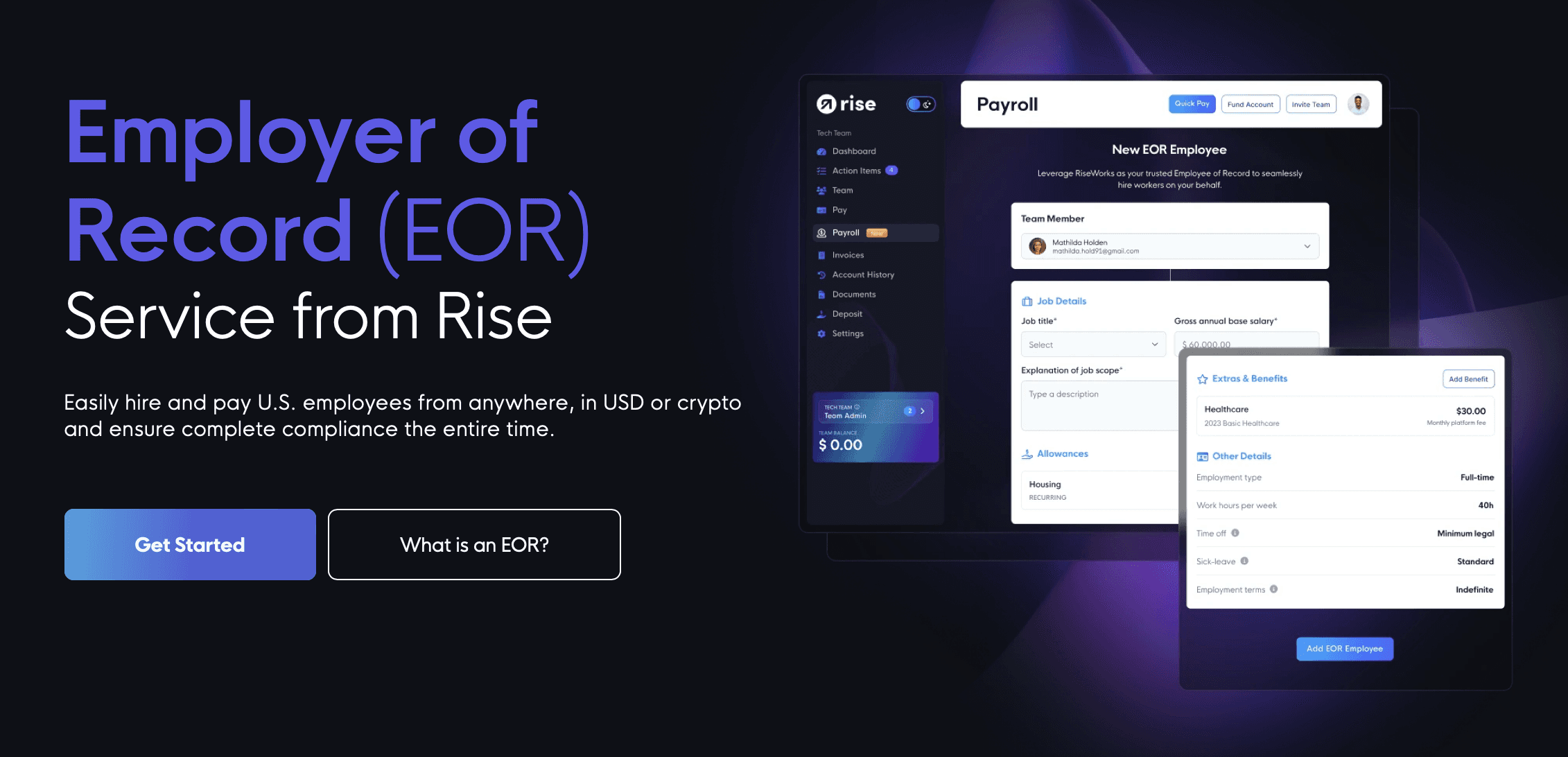
If the answer to any of these is “maybe,” treat global capability as a requirement, not a nice-to-have. Rise’s HR solution for people teams is built around this exact scenario: onboarding contractors and employees across 190+ countries with zero entity setup required on the company’s side.
Retrofitting international capability into a domestic-first platform later means a full migration, and migrations are where data errors and compliance gaps happen.
Step 3: Separate Core HRIS Functions from Payroll Infrastructure
Vendors bundle HRIS and payroll together because it simplifies the sales pitch, not because it’s always the right architecture for your business. An HRIS manages employee records, documents, and workflows.
Payroll infrastructure calculates and moves money. These are different technical problems, and a software development company may treat them as separate systems during implementation. Conflating them during evaluation leads to overpaying for features you don’t need or underbuying on the one that matters most: getting people paid correctly, on time, everywhere.
When comparing vendors, ask each one to break down pricing by function:
What’s the base HRIS cost per employee?
What’s the payroll processing cost, and does it change by country?
Are EOR or AOR services priced separately from core payroll, or bundled?
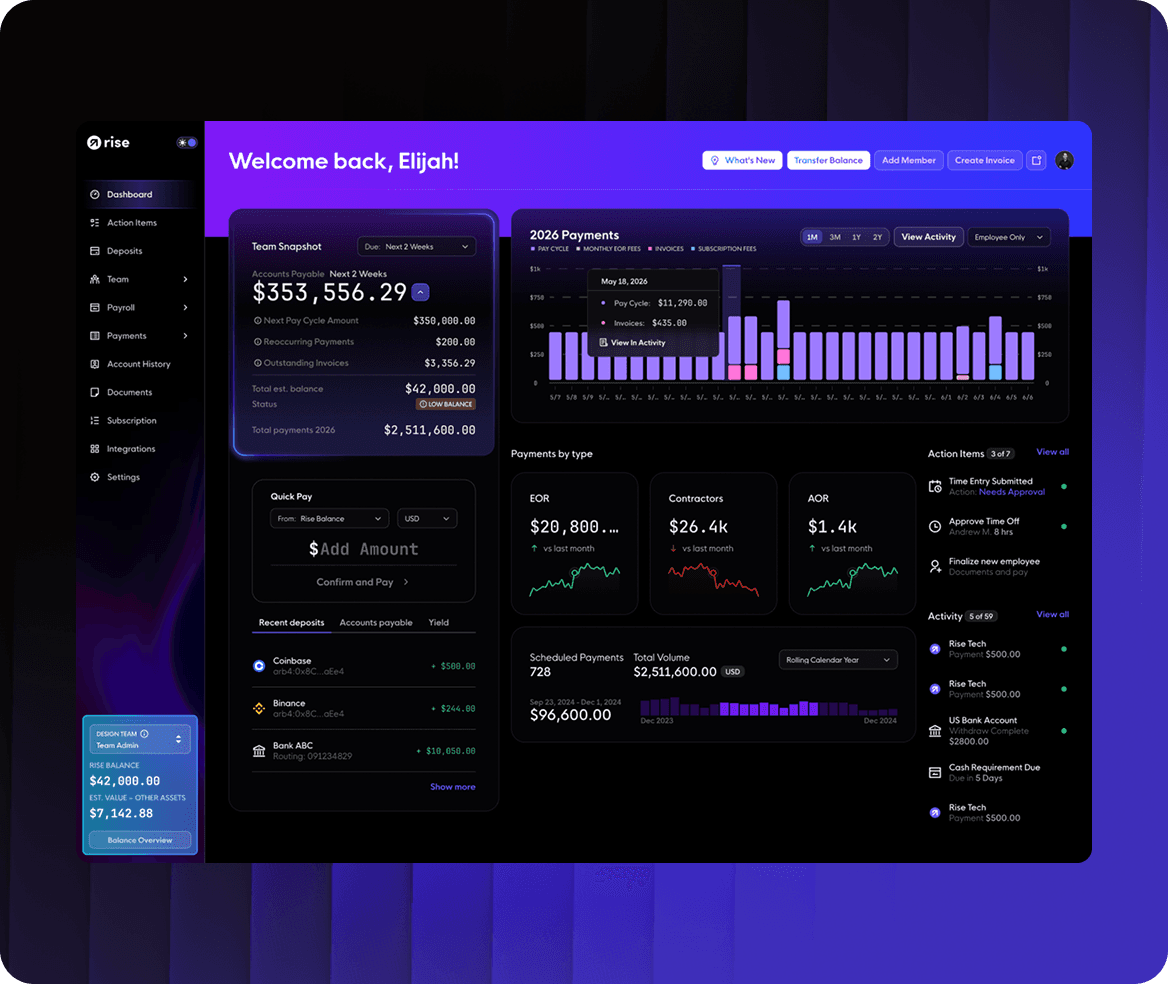
Rise keeps these fully isolated. Direct Payroll (US W-2 and 1099) is billed as the greater of a $49 monthly account minimum, triggered by any active employee, or $19 per employee per month. EOR services run $399 per employee per month, and AOR runs $49 per contractor per month, each priced independently rather than folded into a single opaque number.
This kind of transparent, unbundled pricing makes it far easier to model actual costs as your team scales.
Step 4: Build a Compliance Checklist Before You Talk to Sales
Compliance is where HR software buying decisions get expensive if they go wrong. A platform that mishandles worker classification, tax withholding, or data security exposes your company to penalties that dwarf any software savings.
Your checklist should include:
SOC 2 Type II certification, confirming the vendor has audited security controls
Registration status for financial services, such as FinCEN Money Services Business registration in the US
Data privacy compliance relevant to your hiring geographies
A clear worker classification methodology for contractors versus employees in each target country
Rise holds SOC 2 Type II certification and is registered as a FinCEN Money Services Business, and its stablecoin payroll infrastructure operates under a Circle/USDC partnership rather than routing through undisclosed third-party processors.
If a vendor can’t produce documentation for these items on request, that’s a red flag worth weighing heavily, regardless of how polished the product demo looks.
Step 5: Test Payment Flexibility Against Your Actual Workforce
Payment method flexibility used to be a minor evaluation criterion. It isn’t anymore, especially for companies hiring internationally or in crypto-native industries.
A platform that only disburses in local fiat currency via traditional bank rails will frustrate workers in countries with unstable currencies or slow banking infrastructure, and it locks out crypto-native teams entirely.
Evaluate each vendor on:
Number of supported fiat currencies for worker withdrawal
Support for stablecoin or cryptocurrency payouts
Settlement speed, particularly for cross-border payments
Worker choice in how they receive funds
Rise supports 90+ local currencies and 100+ crypto assets, giving workers the ability to choose how they get paid rather than forcing a single rail on every hire. This matters most for companies hiring across emerging markets or Web3-native talent pools, where SWIFT-based settlement can take days and add currency conversion friction that eats into worker take-home pay.
Step 6: Run a Reference Check on Implementation, Not Just Sales
Every vendor’s sales team will tell you implementation is fast and painless. Ask for a reference customer who onboarded in the last six months, and ask that customer three specific questions: how long onboarding actually took, what surprised them during setup, and what they wish they’d asked before signing.
This step catches the gap between marketing claims and operational reality faster than any feature comparison spreadsheet. It also surfaces whether their support team functions like efficient help desk software once you’re a paying customer rather than a prospect. catches the gap between marketing claims and operational reality faster than any feature comparison spreadsheet. It also surfaces whether a vendor’s support team responds quickly once you’re a paying customer rather than a prospect.
Step 7: Model Total Cost of Ownership at 2x Your Current Headcount
Sticker price at your current team size tells you almost nothing about cost at scale. Run the vendor’s pricing model against your projected headcount in 12 and 24 months, including any planned international hires, and compare that number against the alternatives.
Watch specifically for:
Per-country surcharges that aren’t disclosed until after signing
EOR or AOR fees that scale nonlinearly with headcount
Hidden currency conversion or withdrawal fees for international workers
Contract minimums that outlast your actual usage
A platform that looks cheaper at 20 employees can become the more expensive option at 100 if its pricing model penalizes growth or international expansion. Rise’s flat per-employee EOR rate and isolated Direct Payroll pricing are structured specifically so the cost curve stays predictable as headcount grows.
The Hidden Costs Vendors Don’t Put on the Pricing Page
Even a rigorous evaluation can miss costs that never appear on a pricing page. Industry analysis of HR software total cost of ownership found that the subscription fee typically covers only 50-70% of real first-year cost for mid-complexity implementations.
The rest shows up as implementation fees that can run past $25,000, internal staff time during setup often totaling 40-120 hours for SMB teams, integration work for any non-native connections, and annual price increases that range from 8-20% for negotiated, quote-based contracts versus 0-5% for platforms with published pricing.
That last point matters more than it seems. A platform with a higher sticker price and a published-pricing model can end up cheaper over three years than a lower-priced platform with a history of aggressive annual increases.
Before signing anything, ask every finalist vendor for a five-line breakdown: base platform fee, per-module fees listed individually, implementation cost, expected annual increase, and any early-termination or downgrade penalties. If a vendor hesitates to itemize these, treat that hesitation as data.
What to Watch Beyond This Purchase: AI, Payroll, and the Next Buying Cycle
Choosing HR software isn’t a one-time decision. The category is moving fast enough that whatever you pick will need a second look within 18 to 24 months, and two trends are worth tracking now so that review isn’t a scramble.
The first is AI’s uneven payoff. Despite widespread rollout, 88% of HR tech leaders report no significant ROI from their AI investments so far, according to multiple 2026 industry research reports, with the gap traced to generic AI features that don’t match how a specific company actually works rather than to AI itself. Weigh AI capabilities in a vendor pitch against evidence of real adoption and measurable outcomes, not feature-list length.
The second is payroll’s shift from back-office function to retention lever. Pay transparency, earned wage access, and employer of record services are increasingly what employees expect from how they’re paid, not optional extras.
A platform that treats payroll as a compliance checkbox rather than a worker experience will fall behind on this front faster than most buyers expect.
The same applies to employee communication — workers increasingly expect instant answers to HR queries, whether through a website AI agent or a dedicated support line.
Rise’s approach, hybrid fiat and crypto payroll with worker-controlled withdrawal choice, is built with this shift already in mind rather than retrofitted onto it.

Conclusion
Choosing HR software is a decision that compounds. The platform you pick today either scales cleanly with your next 50 hires or forces a painful migration the moment you cross a geography or compliance threshold you didn’t plan for.
Run the seven steps above, weight compliance and global capability as heavily as core features, and model total cost at double your current headcount before signing anything.
Rise was built for companies that expect to outgrow a domestic-only HR stack, with 190+ country coverage, transparent per-employee pricing, and payment infrastructure that supports both fiat and stablecoin payroll natively.
Book a demo to see how Rise handles your specific headcount, geography mix, and payment preferences before you commit to a platform that can’t grow with you.
FAQs:
1. How do I choose HR software for a small business with international contractors?
Prioritize vendors with broad country coverage and transparent per-contractor pricing over general-purpose HRIS tools built for domestic teams. Rise supports 190+ countries with AOR pricing at $49 per contractor per month, isolated from any HR platform fees.
2. What’s the difference between HRIS and payroll software when evaluating vendors?
An HRIS manages employee records, documents, and HR workflows, while payroll software calculates and disburses pay. Evaluate them separately, since bundled pricing can obscure which function you’re actually paying for.
3. Should HR software compliance certifications factor into my buying decision?
Yes. Certifications like SOC 2 Type II and registrations such as FinCEN MSB status indicate a vendor has passed independent audits on security and financial controls. Ask for documentation before signing, not after.
4. How much does HR software cost per employee in 2026?
Costs vary widely by function and geography. Rise’s Direct Payroll runs the greater of $49 per month minimum or $19 per employee per month, while EOR services for international full-time hires run $399 per employee per month.
5. Can HR software support both fiat and cryptocurrency payroll?
Some platforms do, though it’s not yet standard. Rise supports 90+ fiat currencies and 100+ crypto assets natively, letting workers choose their payout method rather than restricting the company to a single payment rail.